
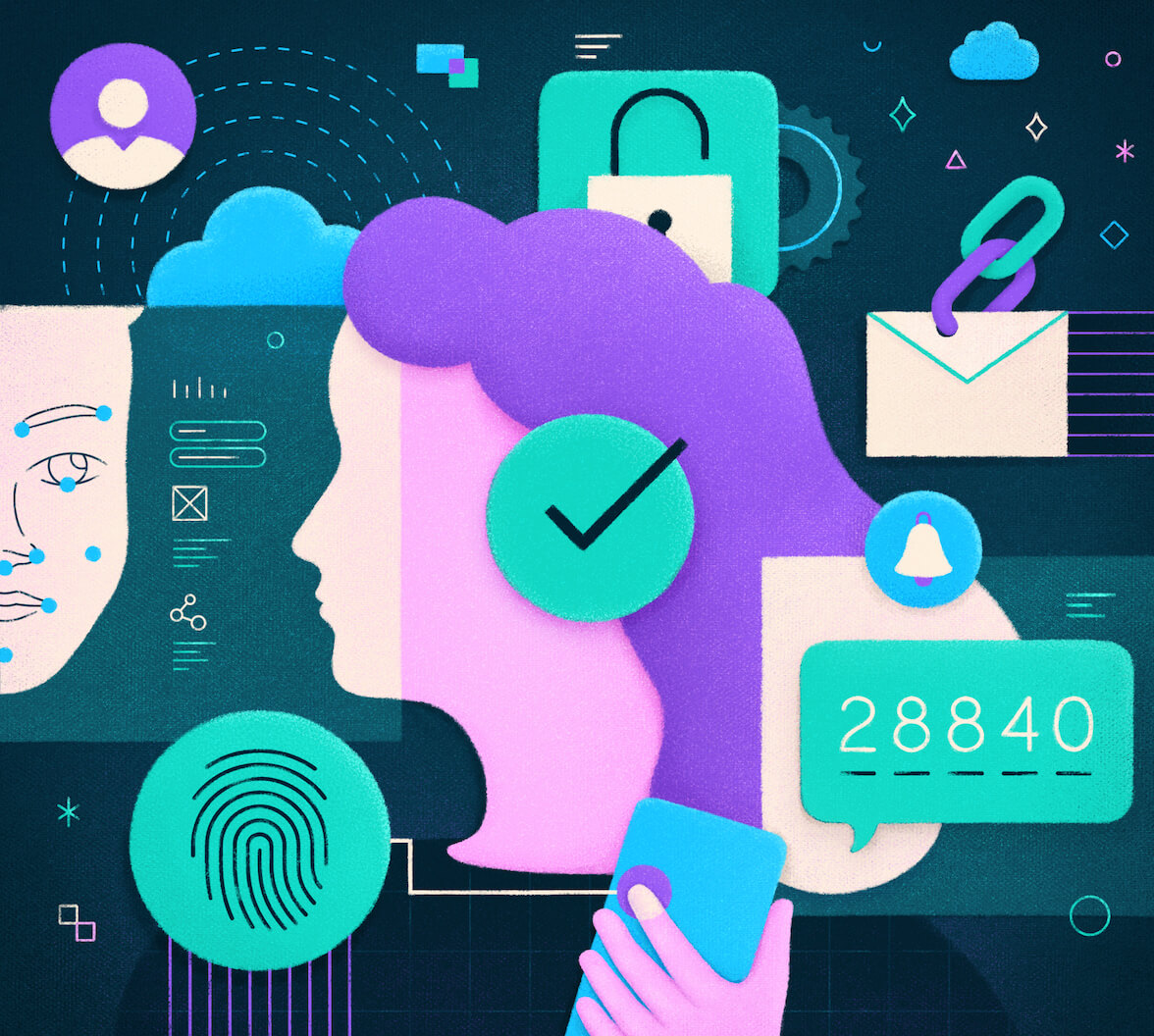
Passwordless authentication verifies a user’s identity without requiring a password. Instead of shared secrets, it relies on what you have (a device or one-time code) or what you are (fingerprints, Face ID).
For developers, passwordless authentication simplifies login flows and helps reduce the attack surface from password storage and management. It removes the operational burden of password resets, account lockouts, and breach monitoring. Passwordless methods also improve user experience (UX) by reducing password fatigue and support requests.
According to the Verizon Data Breach Investigations Report (DBIR) 2025, credential abuse remains the top initial access vector in breaches, accounting for 22% of cases.
Modern implementations use standards like FIDO2, WebAuthn, and device-based cryptography to offer secure, user-friendly authentication that eliminates the need for passwords.
Why Passwordless Authentication Matters
Passwords create security vulnerabilities and operational overhead that affect users and development teams. They require secure storage using adaptive hashing algorithms (Argon2, bcrypt, PBKDF2), breach monitoring, and account lockout policies. Password-related support requests commonly add to helpdesk ticket volume.
Users often reuse passwords across multiple sites. Password reuse enables credential-stuffing attacks, where compromised credentials from a breach are reused to gain access to other services.
Passwordless authentication addresses three core problems:
- Security: Passwords are vulnerable to phishing, credential stuffing, replay attacks, and database breaches. Attackers can steal passwords through social engineering, malware, or database compromise. Passwordless methods, particularly those using asymmetric cryptography like WebAuthn, help eliminate these shared-secret-related attack vectors by removing the need for shared secrets. With WebAuthn, private keys are never transmitted from the device, making remote credential theft effectively impossible.
- UX: Password resets lead to abandonment during critical user journeys and can generate a large volume of support requests. Users often forget their passwords, resulting in failed login attempts and increased support requests. Passwordless authentication lets users authenticate with familiar device capabilities (Face ID, fingerprints) or simple verification methods (one-time codes), reducing friction and improving conversion rates.
- Developer Overhead: Managing password storage requires implementing secure hashing with appropriate work factors, generating salts, and monitoring for breaches. Password reset flows need email infrastructure, token management, and expiration handling. Account lockout policies require tracking failed attempts and implementing unlock mechanisms. Passwordless authentication eliminates or significantly reduces these implementation requirements, allowing developers to focus on core application features.
How Passwordless Authentication Works
Passwordless authentication follows a consistent pattern:
- Identity Verification: The user proves control of a possession factor (for example, a device, hardware key, email address, or phone) or an inherence factor (for example, a biometric).
- Server-Side Validation: The authentication server validates this proof through cryptographic signatures (asymmetric methods) or time-limited codes (OTP methods).
- Token Issuance: After the user completes authentication, the client exchanges the authorization code at the token endpoint using PKCE. The token endpoint returns an ID token (containing identity claims) and an access token (for API authorization). Tokens are never returned through the front channel.
- Session Establishment: The application establishes a session using secure,
HttpOnlycookies or server-side session storage.
Asymmetric methods (WebAuthn, passkeys) protect credentials from remote exfiltration. Email OTPs, SMS codes, and TOTP expose secrets that attackers can intercept or compromise.
Passwordless Methods Developers Use Today
WebAuthn (FIDO2)
WebAuthn allows browsers and devices to create asymmetric key pairs. The private key remains on the device and never transmits. The server stores only the public key. During authentication, the server issues a challenge and the device signs it with the private key, proving possession without exposing the key.
WebAuthn delivers strong cryptographic guarantees with native platform integration across modern browsers and operating systems. Users authenticate through built-in biometric sensors or hardware security keys.
Passkeys
Passkeys are WebAuthn credentials that sync across a user's device ecosystem using platform-provided credential managers. Users authenticate with biometrics or a device PIN and can authenticate across devices by scanning a QR code.
Passkeys maintain WebAuthn’s cryptographic security while improving usability through synchronization. Although the sync mechanism expands the attack surface if the user’s account is compromised, the underlying cryptographic protections remain intact.
One-time passwords (OTPs)
- Email OTPs: Users receive verification codes via email. Security depends on the user’s email account security. Best suited for consumer applications that prioritize signup conversion or account recovery flows.
- SMS OTPs: Vulnerable to SIM porting attacks and message interception. Avoid using SMS OTPs in high-assurance scenarios unless no alternative is available.
- Time-Based One-Time Passwords (TOTP): Authenticator apps generate codes locally, eliminating interception risk. However, TOTP remains vulnerable to real-time phishing or relay attacks (Man-in-the-Middle). An attacker who convinces a user to enter their current TOTP code on a malicious site can immediately relay that code to the legitimate service within the approximately 30-second validity window. TOTP meets MFA requirements in some compliance scenarios, but it is not phishing-resistant.
Magic links
Users receive one-time authentication links via email. Clicking the link completes authentication. Magic links simplify the user experience but depend on email security and offer limited protection against phishing. Best for consumer applications with strict time limits (often 5–15 minutes) and single-use constraints.
Push notifications
Authenticator apps send approval prompts to registered devices. Users select “Approve” or “Deny” instead of entering a code. Push-based approval provides a better UX than TOTP but remains vulnerable to Multi-Factor Authentication (MFA) fatigue attacks, where attackers spam push requests, hoping users will accidentally approve them. Best suited for enterprise environments that require user training and anomaly detection.
Understanding Passwordless, Passkeys, and MFA
Passwordless authentication encompasses multiple methods, passkeys represent a specific implementation, and MFA describes a security requirement. The following table shows how these concepts intersect:
| Concept | Definition | Example |
|---|---|---|
| Passwordless Authentication | Any authentication method without a password | WebAuthn, passkeys, magic links, TOTP, email OTPs |
| Passkeys | Synced WebAuthn credentials with built-in user verification | Face ID or fingerprint authentication |
| MFA | Two or more independent factors from different categories | Password + TOTP, or passkey alone (possession + biometric) |
Passkeys, as a single, phishing-resistant authenticator, generally satisfy or exceed traditional MFA security requirements by combining a possession factor (the device with the private key) and a user verification factor (biometric or PIN) in a single step.
How a Passwordless WebAuthn Flow Works
WebAuthn represents the most secure modern passwordless implementation, using asymmetric cryptography to help eliminate credential theft.
- Registration: The application (acting as the WebAuthn relying party) requests credential creation from the user’s authenticator. The authenticator generates an asymmetric key pair specific to your application’s domain. The server stores the public key, the credential ID, and metadata (for example, the authenticator’s attestation, when required by compliance). The private key never leaves the authenticator device; Users cannot manually export private keys from platform authenticators. Device-bound isolation delivers WebAuthn’s fundamental security guarantee.
- Authentication: The server generates a unique cryptographic challenge (typically a random value). The authenticator signs this challenge using the private key stored securely on the device. The server validates the signature using the stored public key for that credential. The authenticator cryptographically binds the signature to your application's domain, making the signed response invalid on any other site. Domain binding prevents phishing attacks because even if a user attempts authentication on a malicious site, the signed response only works for the legitimate domain.
- Token Issuance: After successful authentication, the identity provider issues tokens (using secure protocols such as OpenID Connect and OAuth 2.0 with PKCE), which typically include an ID token for identity claims and an access token for API authorization.
- Session Establishment: The application establishes a session using secure, HttpOnly cookies with Secure and SameSite flags, or server-side session storage. Never store tokens in localStorage or sessionStorage due to Cross-Site Scripting (XSS) vulnerabilities. Generate a new session identifier immediately after successful authentication to prevent session fixation attacks.
Security Considerations for Developers
- Phishing Resistance: Prefer WebAuthn or passkeys over OTPs or magic links. Asymmetric cryptography provides inherent resistance to phishing through domain-bound challenges.
- Token Storage: Use
HttpOnlycookies withSecureandSameSiteflags, or backend session storage. AvoidlocalStorageandsessionStorage. - PKCE: Use the Authorization Code Flow with PKCE for all client types to prevent interception of authorization codes.
- Rate Limiting: Apply rate limiting to OTP endpoints. Six-digit codes have only one million combinations. Implement limits by IP, user, endpoint, and time window.
- Session Security: Regenerate session identifiers after successful authentication to prevent session fixation attacks. Implement idle timeout (30 minutes) and absolute expiration (8-24 hours).
- Device Loss Recovery: Provide secure re-enrollment methods. For passkeys, users authenticate from synced devices. For non-synced credentials, use verified email recovery, administrative recovery, or trusted device approval.
- Attestation: Use authenticator attestation only when regulatory compliance requires hardware verification (for example, FIPS certification). Attestation adds complexity and may reduce adoption.
When to Use Each Passwordless Method
| Method | Best For | Security Trade-offs |
|---|---|---|
| Passkeys | Consumer apps, modern browsers, frequent authentication | Sync mechanism depends on cloud account security |
| WebAuthn (non-synced) | Enterprise apps, managed devices, highest security requirements | Users cannot easily authenticate from new devices |
| Email OTPs | Lowest-friction signup, account recovery | Security depends on the email account |
| TOTP | Moderate security, acceptable setup friction | Vulnerable to real-time phishing |
| SMS OTPs | Fallback only | SIM porting attacks, message interception |
Common Implementation Mistakes
- Treating TOTP as Phishing-Resistant: Attackers can phish TOTP codes in real time via proxy attacks.
- Inadequate Rate Limiting: Attackers can brute-force six-digit codes without proper rate limits across multiple dimensions.
- Incorrect Credential Storage: Store only public keys. Never back up or manually sync private keys.
- Weak Recovery Flows: Implement secure re-enrollment before needed. Test with support staff.
- Insufficient Session Security: Regenerate session IDs after authentication. An attacker who fixed a session ID can hijack it without regeneration.
Passwordless Authentication Frequently Asked Questions
Is passwordless authentication more secure than passwords?
Yes, when implemented correctly. Passwordless methods reduce exposure to phishing, credential stuffing, and database breaches. However, security depends on implementation. Email OTPs are not inherently more secure than strong passwords, provided that proper policies are in place.
Are passkeys a type of passwordless authentication?
Yes. Passkeys are WebAuthn credentials that synchronize across devices using platform-provided secure sync mechanisms, combining WebAuthn’s security with improved usability.
Can passwordless authentication satisfy MFA requirements?
Yes, when it involves two independent factors. Passkeys satisfy MFA by combining device possession with biometric verification or device PIN. TOTP can be used as a second factor in MFA, but it is not MFA by itself.
What if a user loses their device?
Provide secure re-enrollment methods. For passkeys, users authenticate from another synced device. For non-synced credentials, use verified email recovery with strict verification, administrative recovery, or trusted device approval.
Do APIs authenticate users directly?
No. In modern identity architectures, the identity provider handles authentication and issues tokens. APIs validate access tokens and enforce authorization. APIs do not participate in the authentication ceremony.
Can passwordless work in enterprise environments?
Yes. Many enterprises successfully combine WebAuthn with Single Sign-On (SSO) and device management controls. Enterprise use cases often prefer non-synced WebAuthn credentials bound to managed devices with risk-based signals.
Take the Next Step in Identity Management
Passwordless authentication is critical for closing the most common security gaps in your application. Implementing phishing-resistant methods, like WebAuthn and passkeys, requires a robust identity platform.
Using a service like Auth0 can simplify passwordless authentication, allowing developers to focus on their core application features. Explore our Intro to IAM series for additional topics related to identity and access management.
These materials are intended for general informational purposes only. You are responsible for obtaining security, privacy, compliance, or business advice from your own professional advisors and should not rely solely on the information provided herein.